| date | desc |
|---|---|
| 4 Sep 2019 | initial |
In ICON Signals, devices are configured in the Workflow > Sensor Grid page.
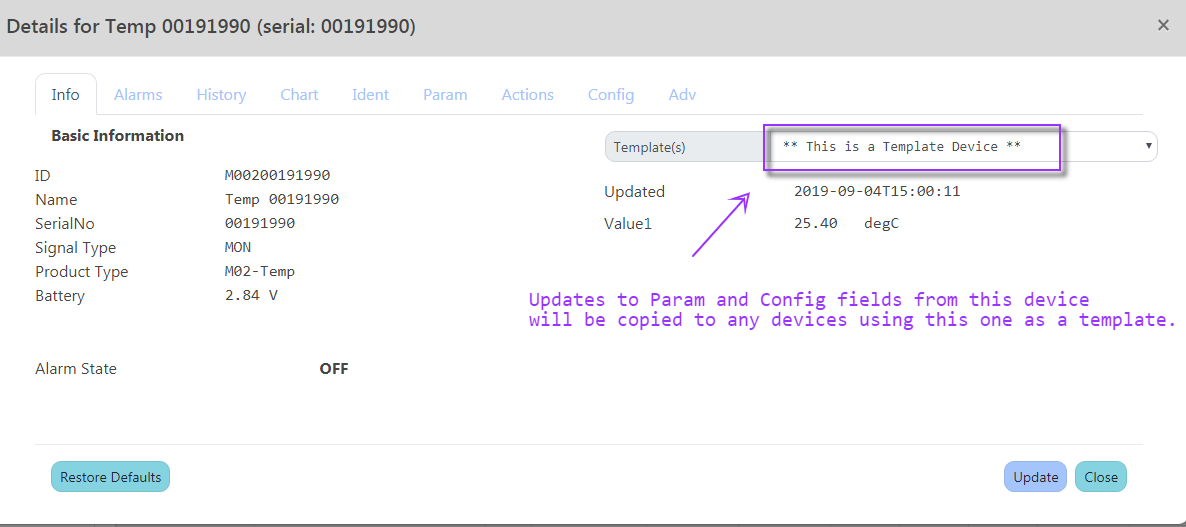
Starting with version 1.83, a device can be set as a 'template' and other devices of the same type can be configured to use that template for some of their configuration data.
This can be used, for example, to set alarm thresholds for an entire group of temperature sensors attached to freezers.
Device Templates have been implemented for "Standard Devices" (which includes ControlByWeb) - and Monnit sensors. Complete lists of the template-enabled properties for these two sensor types can be found in sections 4.1 and 4.2.
Basic operational rules are as follows.
Nomenclature:
| term | description |
|---|---|
| SA | stand-alone device (not a template and not using a template) |
| ISA | device set to be used as a template |
| Using | device set to use another device as a template |
UpdateSensorDevice Actions
Every device has a TemplateID property. In the following table the first column shows the various possibilities when a device is updated in the Sensor Grid w.r.t. the TemplateID value.
| TemplateID | action |
|---|---|
| SA -> SA | no template-related effect |
| Using -> Using | no template-related effect (TemplateID did not change) |
| ISA -> ISA | update changed properties in all "template childen" |
| SA -> Using | copy data values from template device |
| SA -> ISA | no template-related effect, device now a template but has no "child" devices yet |
| ISA -> SA | de-couple all "template childen" devices |
| ISA -> Using | de-couple all "template childen" devices, then copy data values from template device |
| Using -> SA | no template-related effect |
| Using -> ISA | no template-related effect, device now a template but has no "child" devices yet |
| Using1 -> Using2 | using a new template, copy data values from new template device |
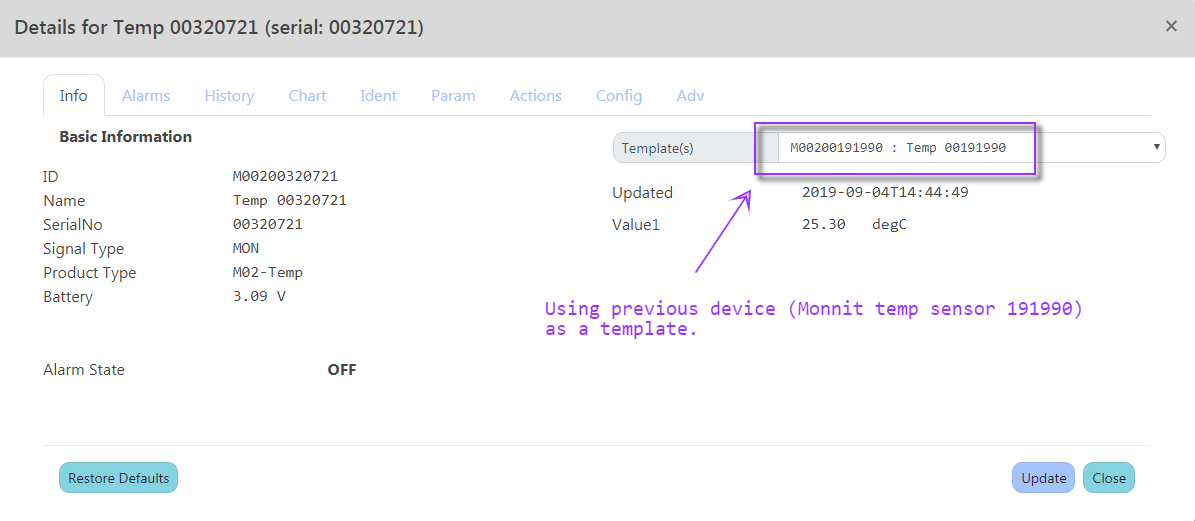
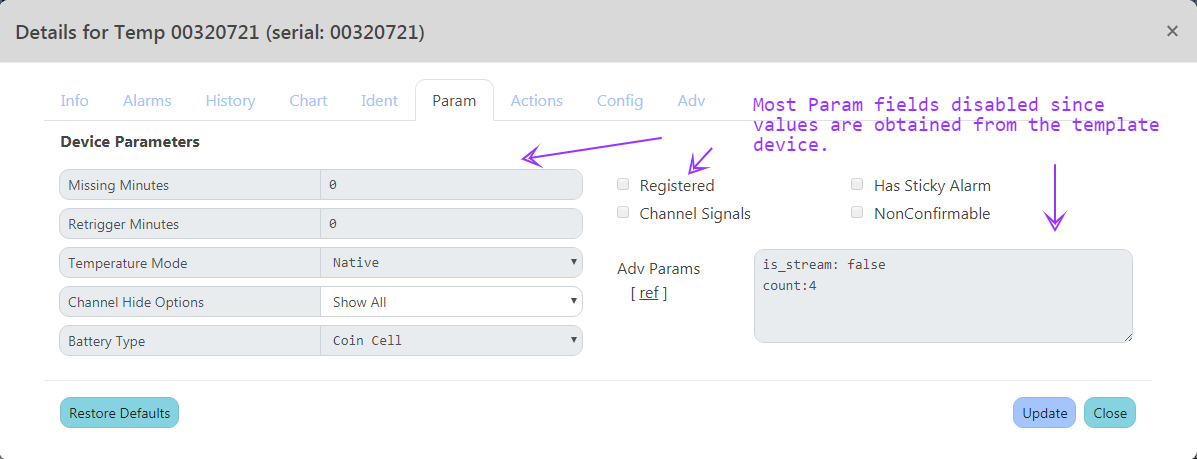
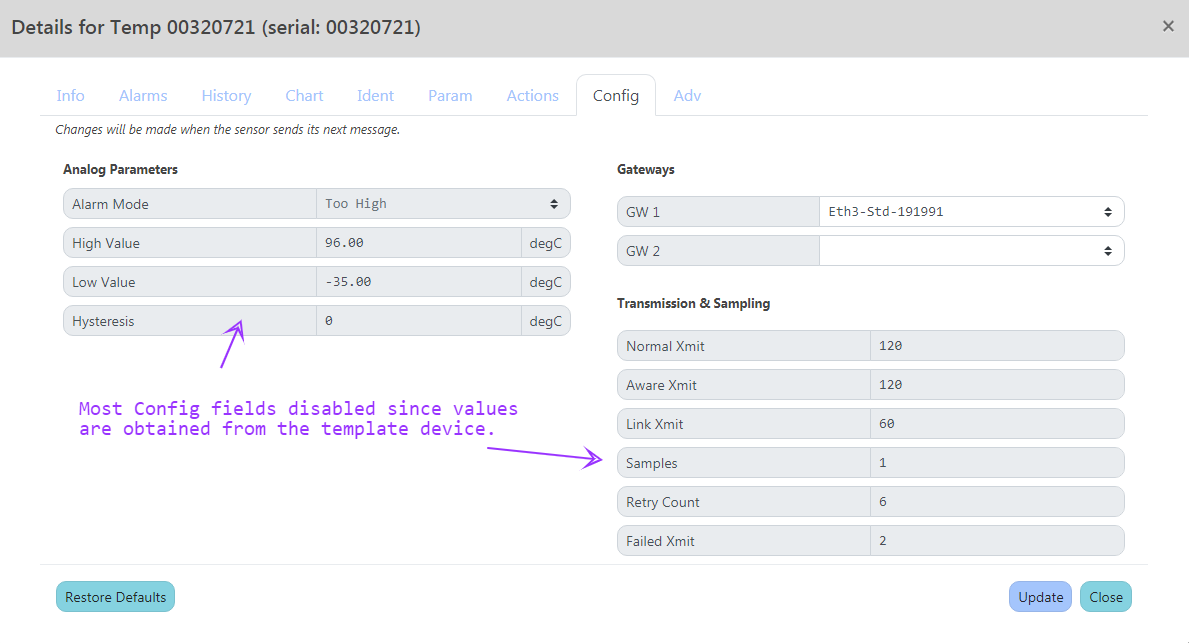
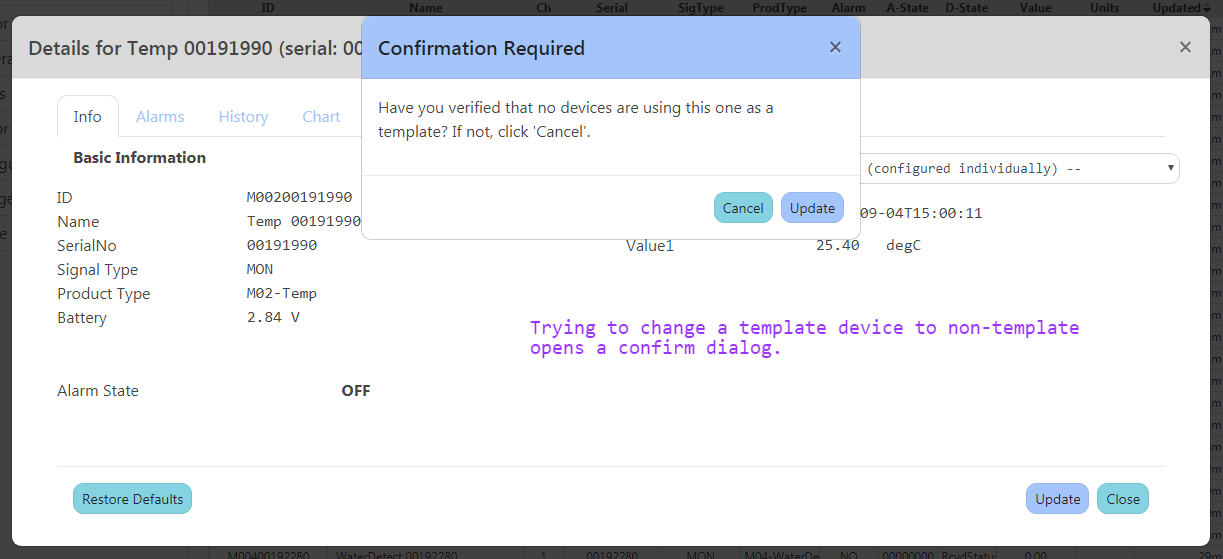
Only some of the configuration data for a device is "templatable". Most identification fields such as Name, Location, Area, Camera, and Description are not templated.
A few fields on the Param and Config tabs were also omitted for templating. Most notably the channel-hiding options in the Param tab and the Monnit Gateways in the Config tab.
A case might be made for some of these fields, but not without adding complexity to what is intended to be a relatively simple and straight-forward feature.
| StdDev Template Fields |
|---|
| MissingMinutes |
| Retrigger |
| TemperatureMode |
| Registered |
| StickyAlarm |
| NonConfirmable |
| ChannelSignals |
| AdvParams |
| Channel1AlarmMode |
| Channel1HighValue |
| Channel1LowValue |
| Channel2AlarmMode |
| Channel2HighValue |
| Channel2LowValue |
| Channel3AlarmMode |
| Channel3HighValue |
| Channel3LowValue |
| Monnit Template Fields |
|---|
| MissingMinutes |
| Retrigger |
| TemperatureMode |
| BatteryType |
| Registered |
| StickyAlarm |
| NonConfirmable |
| ChannelSignals |
| AdvParams |
| Channel1AlarmMode |
| Channel1HighValue |
| Channel1LowValue |
| Channel1Hysteresis |
| Channel2AlarmMode |
| Channel2HighValue |
| Channel2LowValue |
| Channel2Hysteresis |
| XmitPeriod |
| ActiveXmitPeriod |
| LinkXmitPeriod |
| SamplesPerPeriod |
| Tries |
| FailedXmitLimit |
2018-2022 ICON Voice Networks